
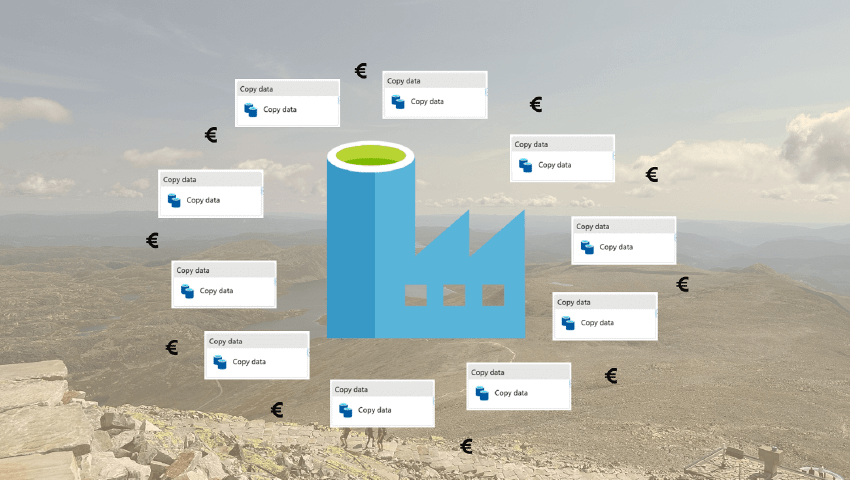
Are you struggling with slow or expensive API loading jobs in Azure Data Factory?

Category: Data Engineering
Are your Copy activities in Azure Data Factory resulting in long runtimes or high costs? Long runtimes can occur if such activities wait unnecessarily long in a queue before computation begins. Furthermore, high costs can arise from a large number of small activities. A possible solution to both problems is to replace the most problematic activities with alternative infrastructure, such as Azure Functions.
Azure Data Factory (ADF)’s Copy activity is among the most widely used building blocks in the tool, and is commonly used to retrieve and store data from external systems such as REST APIs, databases or cloud object storage. It is a workhorse, and often works very well. However, there are cases where it is less well suited, where it can incur both high costs and long runtimes.
We have observed cases where such activities spend an unnecessarily long time waiting in a queue, even when using the auto-scaled AutoResolveIntegrationRuntime. This leads to increased runtime for jobs in ADF, which limits the possible refresh frequency of downstream data products. In the worst case, it can, for example, result in data ingestion only being possible on rare occasions, which is unfortunate if end users need even more up-to-date data.
Furthermore, we have observed cases where such activities are major cost drivers. One such case is ingestion from REST APIs that are not optimised for large extractions, where a very large number of calls must be made for each endpoint you want to retrieve data from. If you use one Copy activity per API call, for example in each iteration of a ForEach loop, the costs can become substantial.
This is a highly relevant issue for anyone using cloud-based orchestration and data integration tools from Microsoft, whether it is ADF or Data Factory in Microsoft Fabric.
I have published an article that addresses this issue on Medium (see link below). In the article, I demonstrate how a solution using Azure Functions can be employed in cases where you have limitations on configuration and use of different Integration Runtimes in ADF, or if you are not achieving the desired return in runtime through configuring these. The outlined solution further leads to significant cost savings in cases where many different Copy activities are used to perform relatively small or simple tasks. The more and simpler the tasks being performed, the greater the potential savings.
With concrete examples from a production-deployed solution, where data ingestion from a REST API is done using a large number of HTTP calls, including cost estimates based on Microsoft and ADF’s pricing model, I quantify how much you can save.
More about Azure Data Factory
If you are interested in other ADF experiences we have written about, you can read about the tool’s orchestration problem here.